Upcoming Events
Each week we’ll explore a different area of STEM (Science, Technology, Engineering & Math) in a fun and creative way! *Registration recommended - Seating is limited. Registration is separate for each Sunday.
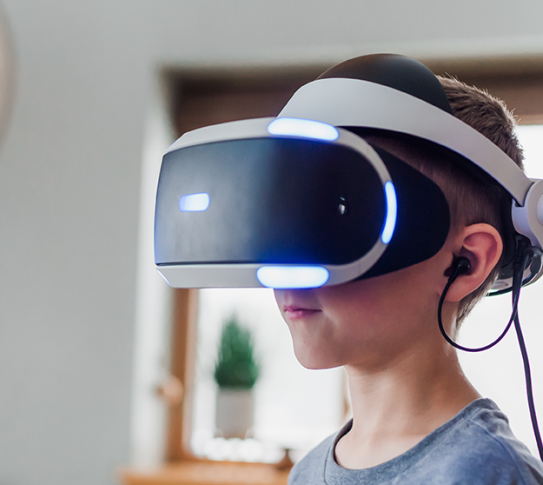
Come play games in Tech Central! We have more than just our Switch available to play during this extra hour of gaming fun. Enjoy games on our laptops, VR headsets, PS5, and more!
More Information
Children under 8
No person shall leave young children (ages eight and under) unattended anywhere on library premises. Parents or guardians are expected to look after their children while visiting the library with them.
No outside food & drink
No outside food or drink is permitted in the Library.
Learn the basics of using Gmail, including how to create, reply, delete, and search emails. Students should know their Gmail password so they can login on a computer.
Learning Lab
About
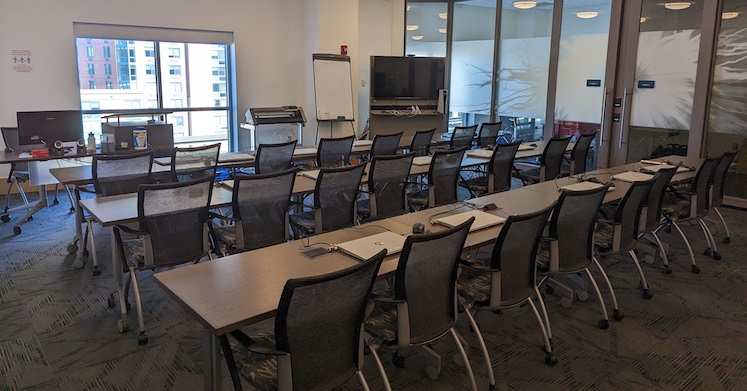
Tech Central is a state-of-the-art technology center located on the 3rd floor of the Riverfront Library, unmatched by any other library in Westchester County. Programs and workshops held in Tech Central help patrons gain knowledge, develop confidence in their computer skills, and introduce emerging technologies to our Community in a technologically advanced and inclusive space, all absolutely free. We also offer one-on-one tech help during designated hours.
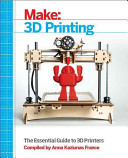
3D Printing
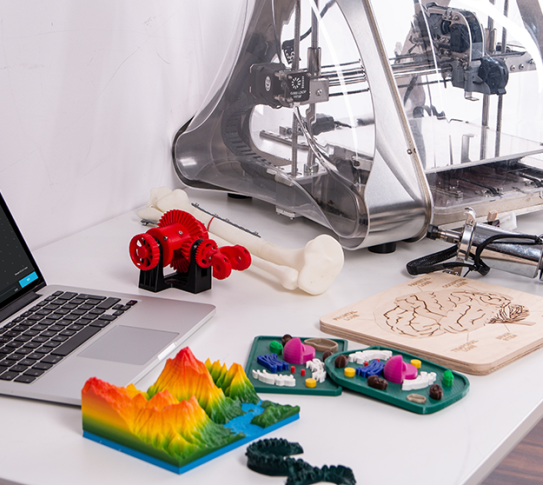
*Update to Policy - Due to the high volume of 3D print requests, you must have a Yonkers Library card to request a 3D printed item. You can design your own 3D object OR download a 3D file. Click here to read our 3D printing policy and submit a 3D print request. 3D printing is a free service offered at the library.
For questions on 3D printing, email cbitetti@ypl.org.
Gaming & VR
Available after school as follows:
Riverfront Library:
Kids 7 to 12 Mondays 3:45-4:45
Teens 12-19 Tuesdays & Thursdays 4pm-5pm
Will Library:
Teens 12-19 Thursdays 3pm
About 3D Printing
Designing: To create a 3D object, we recommend tinkercad.com, SketchUp.com, Fusion 360, and free3D.com, all free websites. Once a file is created, export/download it from the website as an .stl file and upload it to our 3D print request form.
Downloading: Visit thingiverse.com, yeggi.com, tinkercad.com or GrabCAD.com and download the file as an .stl file and upload it to our 3D print request form.
Our printers:
The Riverfront Library has two 3D printers: Makerbot Z18 & Makerbot Method. Grinton I. Will library has a
Makerbot Replicator Plus. Crestwood library has a Makerbot Replicator 2.
Filament: The 3D printers use Polylactic Acid or PLA filament, a recyclable, natural thermoplastic polyester derived from renewable resources, such as cornstarch or sugar cane. PLA is a medium-strength plastic suitable for light-duty and decorative applications.
Colors: Colors are based on availability. Objects print in one solid color.
About VR
We have several VR units, including HP Reverb and Oculus Quest 2 headsets. Experience a thrilling roller coaster or walk out on a ledge of a high rise building!
VR in the classroom! If you are a Yonkers Public School teacher, contact us to find out how to incorporate virtual reality into your classroom with ClassVR. Common core curriculum available in every subject for every class level. Click to fill out a ClassVR request form.
Poster Printing
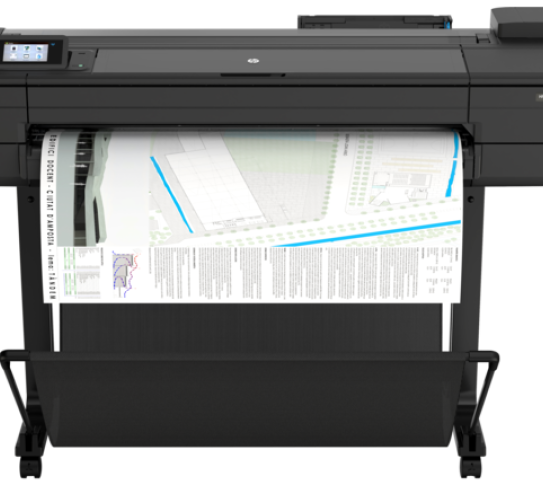
The Riverfront library offers free large format printing, up to 3 requests per month.
You must have a Yonkers Library Card to request poster printing.
Click here to review our poster printing policy and to submit a poster printing request.
For additional information, email lfprints@ypl.org
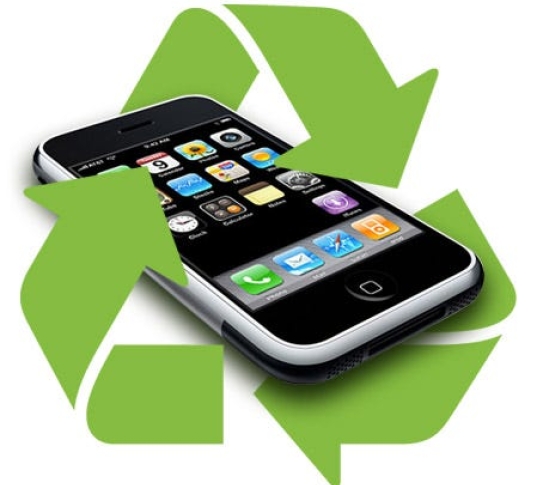
Safely recycle your phone or tablet at the Library
What can be recycled?
· Old cell phones
· Tablets/e-readers/iPads
· Chargers
· Earbuds
· Broken phones accepted
· No boxes or manuals
· No computers or laptops
Is the data on the phone or tablet erased?
Yes. Each phone, hard drive and SD card is data cleared to the NIST’s special publication 800-88 guidelines for media sanitation.
Where can I bring my phone?
Cell phone recycling is available at all 3 locations of the Yonkers Public Library. Recycling boxes are located near the Circulation Desks. Ask a staff member for assistance if needed.

Tech Drop In
Need help with Email?
Have a question about using your SmartPhone?
Want to learn how to download eBooks?
Whatever your tech question, we’re here to help!
Help is available every Friday:
At the Riverfront Library from 11am-1pm
At the Will Library from 3-4pm
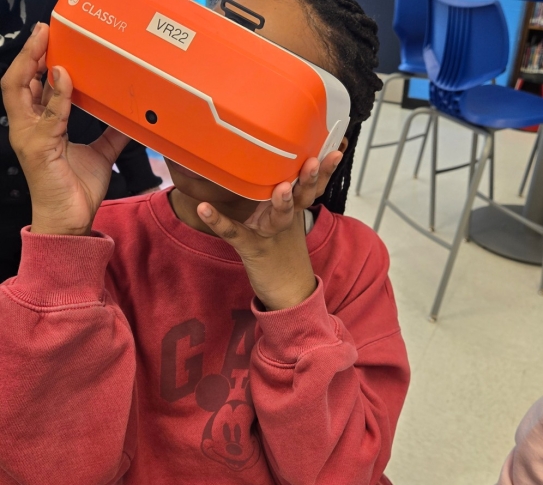
ClassVR
Yonkers Public Library brings virtual reality to Yonkers classrooms. Using VR headsets, students explore 3D environments that expand and enhance existing curriculum in subjects such as history, science, math and art. Virtual reality allows students to experience places and things they might not otherwise get to experience, such as visiting the Roman colloseum or analyzing the digestive system in 3D. There is nothing better than hearing the kids marvel with excitement when they put on the headset and are immersed in a 3D environment for the first time.
If you are interested in using ClassVR in your classroom, please email cbitetti@ypl.org for more information.
*ClassVR has been paid for through a grant from Verizon.
Learning Lab
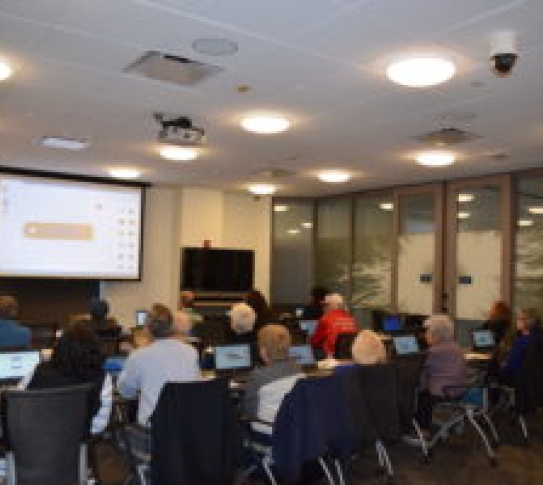
The Learning Lab is our technology classroom, equipped with gaming laptops, iPads, Smart Board, 9 ft. drop-down screen, LCD projector, and designed with assistive listening technology (Induction Loop). We offer technology classes on Microsoft Office, Adobe, QuickBooks, Google apps, 3D printing, Cybersecurity and more. We also offer free printing on our HP Design Jet large format printer.
Maker Lab
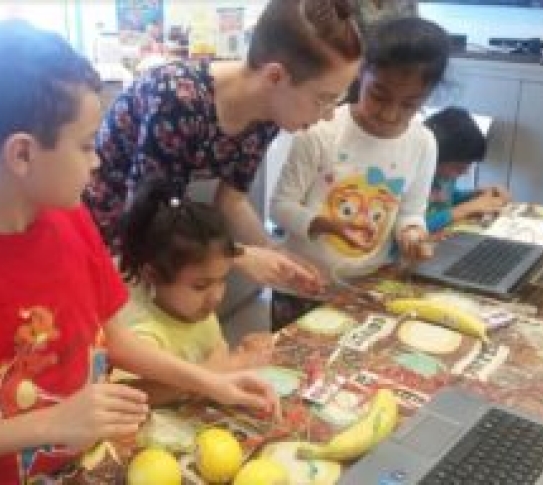
The Maker Lab is a do-it-yourself space for creating and learning. We offer many STEM workshops, arts & crafts, food programs and more for every age group. Visit our website to find the next maker program or contact us to reserve the space for your small group/class. Maker lab equipment includes: cricut machine, engraver, Ozobot robots, arts & crafts, legos, sewing machine, circuit sets
Media Lab
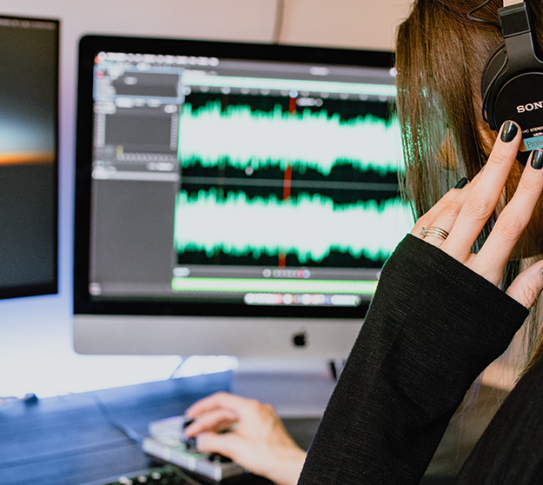
Create a podcast or Youtube video in our media lab. Our green screen walls provide the perfect backdrop for your self made videos and make video editing easy. Practice playing an instrument or borrow a keyboard or guitar.
Equipment
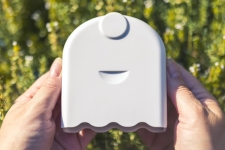
You can now check out an AirBeam Mobile Air Quality Monitor for free!
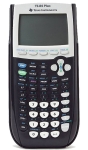
The TI-84 Plus graphing calculator is ideal for high school math and science.