ebooks & eAudiobook FAQs
Where can I find and borrow eBooks and Audiobooks?
Our largest collection of E-books and E-audiobooks can be found through the OverDrive. YPL’s Overdrive content library contains:
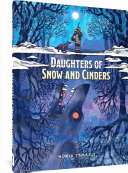
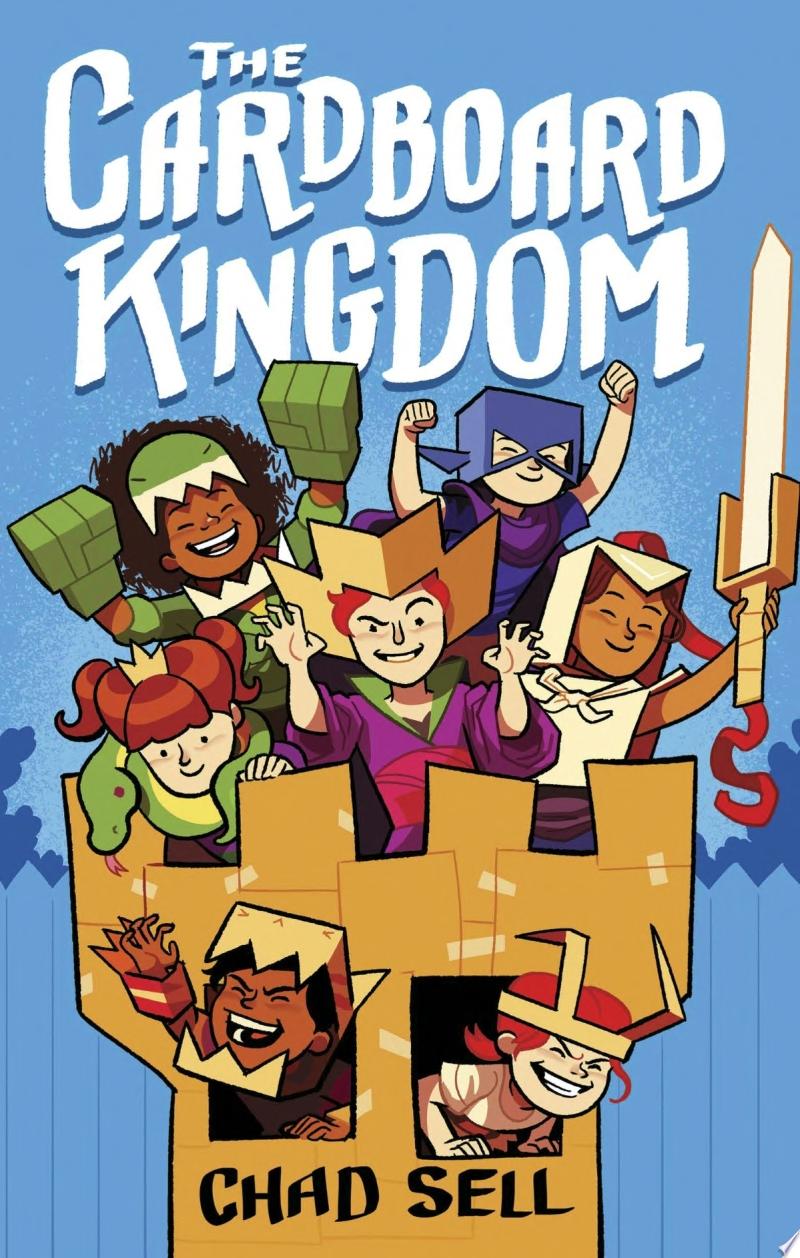
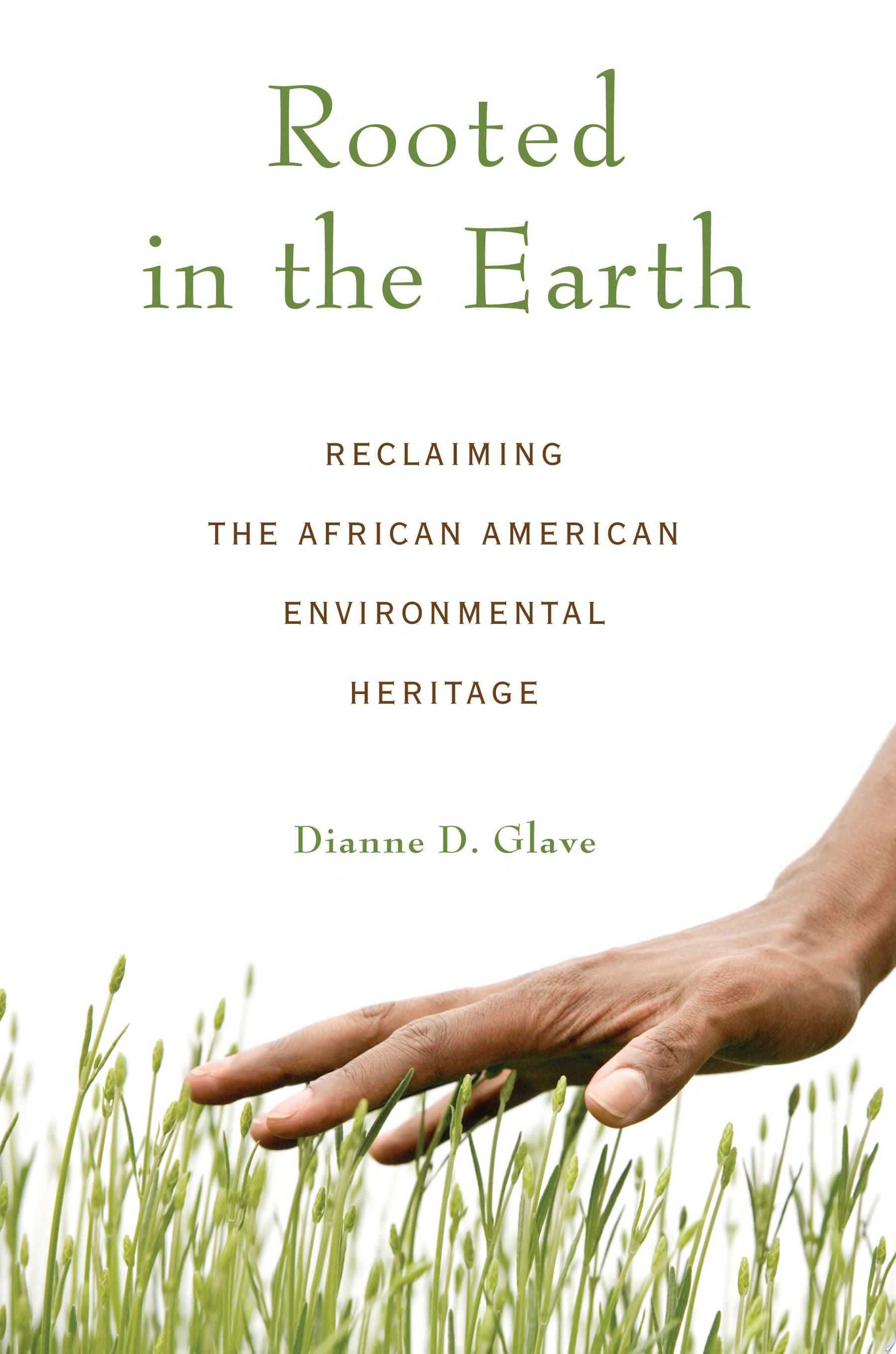
- Over 62,000 E-book titles (over 113.000 book copies in total) – ranging from new bestsellers to graphic novels to YA novels to picture books to timeless classics.
- Over 13,010 MP3 E-audiobooks (nearly 25,000 copies in total) that you can listen to through the OverDrive app.
- Over 3,400 magazine issues – ranging from The New Yorker and The Atlantic to Us Weekly and inTouch that you can borrow anytime and flip through like you would a printed issue.
Libby is the mobile app for OverDrive. You can download the app onto your iPhone, iPad or Android device – or whatever you’d like to use for reading or listening to books.Download Libby app from the Apple App Store, Google Play, or Microsoft Store onto your mobile device.
How does borrowing E-books or E-audiobooks on Overdrive/Libby work?
Your YPL card allows you to borrow up to 10 E-books or E-audiobooks at a time through Libby. They can be borrowed 24/7, not just when the library is open. E-books and E-audiobooks are loaned for 14 days at a time. After that time they are automatically removed from the Libby app without ever incurring late fees. If no one else has a “hold” on the title you can renew within three days of the due date. Even though they are digital, each copy of an E-book or E-audiobook can only be loaned to one library cardholder at a time. If there are no copies available, you can place a hold and join a waitlist. Each cardholder can place up to 10 holds at a time. Once it’s your turn to borrow a copy of your hold title you have up to 3 days to download it.
How can I get started borrowing E-books and E-audiobooks?
- Download Libby app from the Apple App Store, Google Play, or Microsoft Store onto your mobile device.
- Open the Libby app and select “Search for a Library” to add Yonkers Public Library.
- Select “Enter Library Account Details” and enter your 14-digit library card number and PIN (if you don’t know it, try the last 4 digits of your phone number).
- Browse your library’s collection on the Library App or at westchester.overdrive.com. Tap Borrow to borrow a title.
- Borrowed titles appear on your Shelf and download to the app automatically when you’re connected to Wi-Fi, so you can read them when you’re offline.
- If a title is unavailable, you can place a hold. You will be notified when the item becomes available.
- From your Shelf, you can:
- Read or listen to your book directly from the Libby app, or tap “Kindle Apps & Devices”
to send a book to Kindle device or app. - Tap “Manage Loan” to see options like Renew and Return.
- Read or listen to your book directly from the Libby app, or tap “Kindle Apps & Devices”
- Select Library at the bottom of the screen to continue browsing for titles.
E-Books and E-Audiobooks
Biblioteca Tumblebooks
Biblioteca Tumblebooks tiene libros animados, con ilustraciones que hablan, para enseñar a losniños los placeres de la lectura en un formato que les encantará.
Comics Plus

Comics Plus offers online digital graphic novels and comics available for free with your library card.
Freading

eBooks available in ePub and/or PDF format. Currently, it can be used with PCs, iDevices, Androids, Nooks, Sony Readers, Kobo readers, and Kindle Fire. Freading specializes in romance and children’s books.
Hoopla

UPDATE: Effective February 1st, each patron will have 3 borrows from Hoopla per month.
Overdrive/Libby

Overdrive/Libby has downloadable eBooks, eAudiobooks, digital magazines, and streaming video for free with your library card.
Tumblebooks
TumbleBooks provides animated, talking picture books which children can read or have read to them.