Summer Reading Events
Summer Reading Fiesta with Bubbles and Bluey!
Start Summer Reading with fun for all ages! Featuring a very special visit from the Bubble Bus! Meet Bluey as he makes a special appearance sponsored by the East Yonkers Kiwanis Club! Games, snacks, and more!
Movie Magic Mondays! Titles to be determined.
Dig into fun crafts and activities!
Movie Magic Mondays! Titles to be determined.
Dig into fun crafts and activities!
Movie Magic Mondays! Titles to be determined.
Dig into fun crafts and activities!
Movie Magic Mondays! Titles to be determined.
Dig into fun crafts and activities!
Movie Magic Mondays! Titles to be determined.
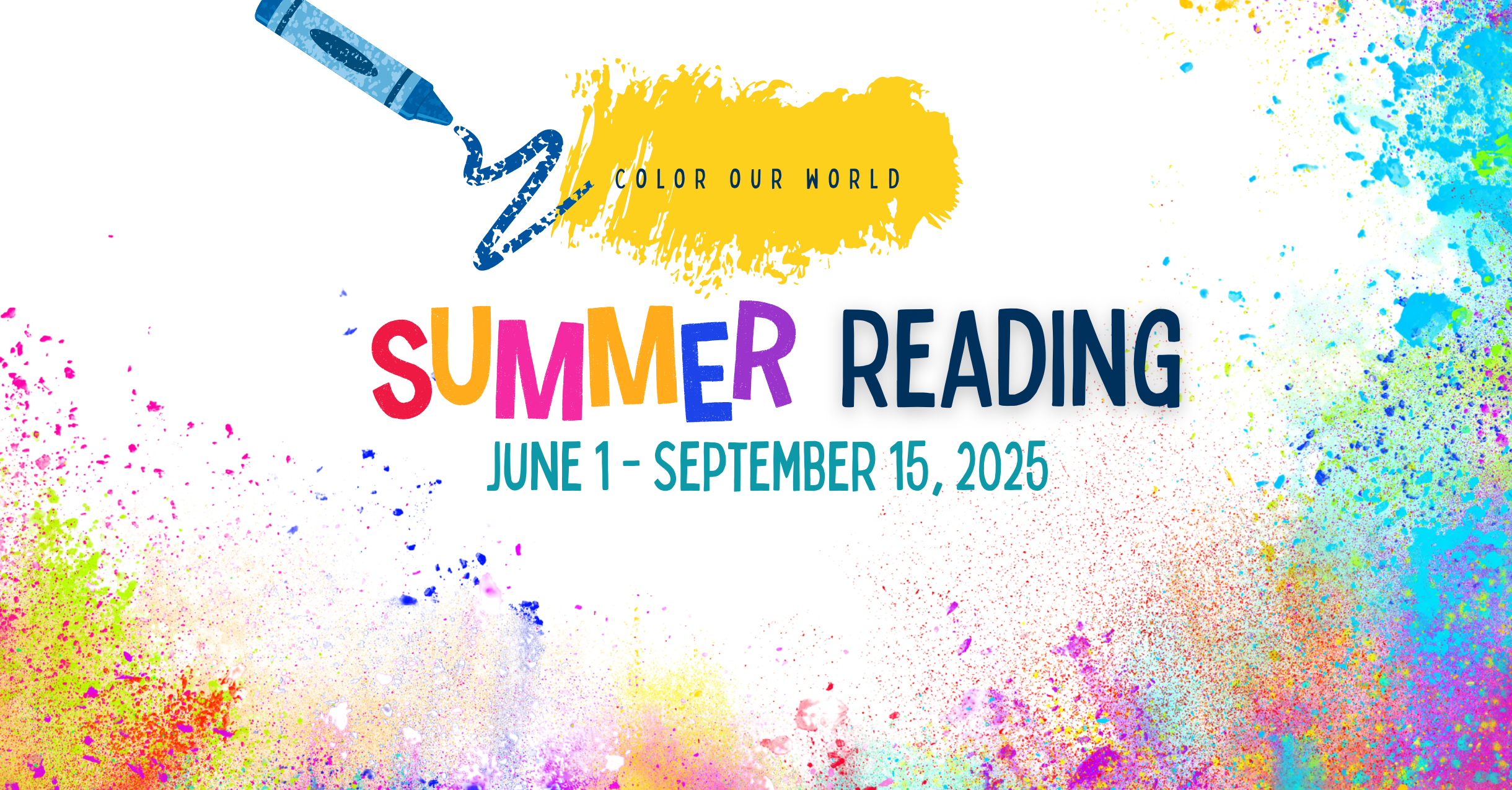
Summer Reading 2025: Color Our World
June 1 – September 15
Open to all ages | Read. Discover. Win.
Join the Summer Reading Challenge, a city-wide celebration of reading, learning, and creativity—designed for children, teens, and adults. Whether you’re reading at home, in the park, or by the beach, every book brings you closer to prizes, imagination, and discovery.
This year’s challenge is a proud partnership between the Yonkers Public Library, the City of Yonkers, and Yonkers Public Schools—uniting the entire community in a summer of reading!
Mayor Mike Spano is getting involved too—reading right alongside you and encouraging Yonkers to become the city that reads all summer long!
Let’s Color Our World, One Book at a Time!
Sign up, start reading, and help us fill Yonkers with stories, creativity, and community all summer long.
Download our special Yonkers-themed coloring and activity book, filled with word search, coloring pages, and more!
Share your journey with #YPLReads | Follow us @YonkersPublicLibrary
FAQ
How do I sign up for summer reading?
Visit any Yonkers Public Library location to sign up in person or sign up online with Beanstack.
Download the Beanstack tracker app by visiting the Apple App store or the Google Play store (Android).
You can also print and fill out a paper reading log and return it to a librarian. YPS students can return it to their teachers in September. Download the reading log here (PDF).
What is an individual account vs family account?
An individual account would be for a reader who is only signing themselves up for the program. If you are signing multiple people in your household up at the same time and would like to manage all of those accounts with one login, then you can create a family account. This is ideal for parents or caregivers who are logging reads for children, though anyone can be a member of your family.
How do I log books?
Online using Beanstack
- First, you must create an account on Beanstack and enroll in the designated challenge for your age/grade level. Once the programs begin, you can start logging.
- You can log your reads (either minutes or books, depending on what challenge you are enrolled in) or your activities. For each book, you will earn a badge. The more you read, the more times your name will be entered into the grand prize drawing!
In-Person
- Fill out your reading log and bring it to a librarian at any Yonkers Public Library location. They will give you a new log to fill out.
I’m an adult, why does it ask my grade?
By default, the system asks for everyone’s grade when they register to determine which challenge you are eligible for. If you are an adult and/or out of school, you can select the “adult” option at registration.
How do I earn badges?
There are 3 types of badges:
- Logging Badges: earn these milestone badges whenever you log your reads.
- Activity Badges: these are optional, fun activities that you can complete to earn extra entries into the grand prize drawings. You get an additional entry into the drawing for each activity badge you earn.
- Review Badges: these are optional badges that you can earn by writing reviews about the books you’ve read. You get an additional entry into the drawing for each review badge you earn.
I'm a teacher. Can I register my class?
Yes!
- On your Beanstack landing page or in the app, select "Register a Class or Group.
- Choose if you want to log reading and activities for this group "All at One Time" or "Individually."**
- Next, enter the basic information for the group (name, age, grade, etc). Keep in mind that the options here will vary depending on your site's optional and required registration question preferences.
- Then, enter the group leader's own information as the account creator to use to log in and access the account.
- Once you click “Register Group,” you'll see any available challenges and then be taken directly to the group reader view.
**All at One Time: Reading and activities are logged for the group all at once, and everyone earns badges and incentives at the same time. Readers must all be the same age. This is the most common and least time-intensive selection.
Individually: Reading and activities are logged for each reader individually, and they'll earn badges and incentives at different times. Individual readers' ages can be edited after the group is created.
When can I start logging books?
Summer Reading program runs from June 1 - September 15. You can log books during that time period.
Where can I find Yonkers Public School's Required Reading Lists?
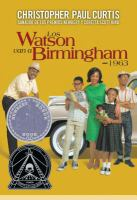
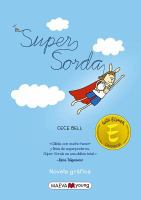
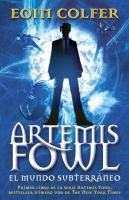
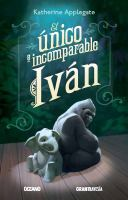
Click on the grade you and/or your child is entering to see a list of the official summer reading titles.
Summer Reading Lists by Grades
- Kindergarten
- Grade 1
- Grade 2
- Grade 3
- Grade 4
- Grade 5
- Grade 6
- Grade 7
- Grade 8-12
- YPS Reading Log to track titles
Posts
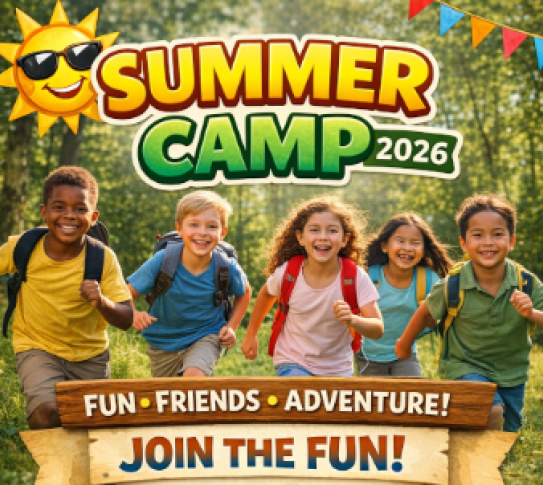
2026 Summer Camp Resource List
Missed our 16th Annual Summer Camp Fair? No Problem! Below is a list of Yonkers and Westchester County summer camps to browse. Click the links below, or contact the camp via email or phone number listed.