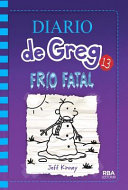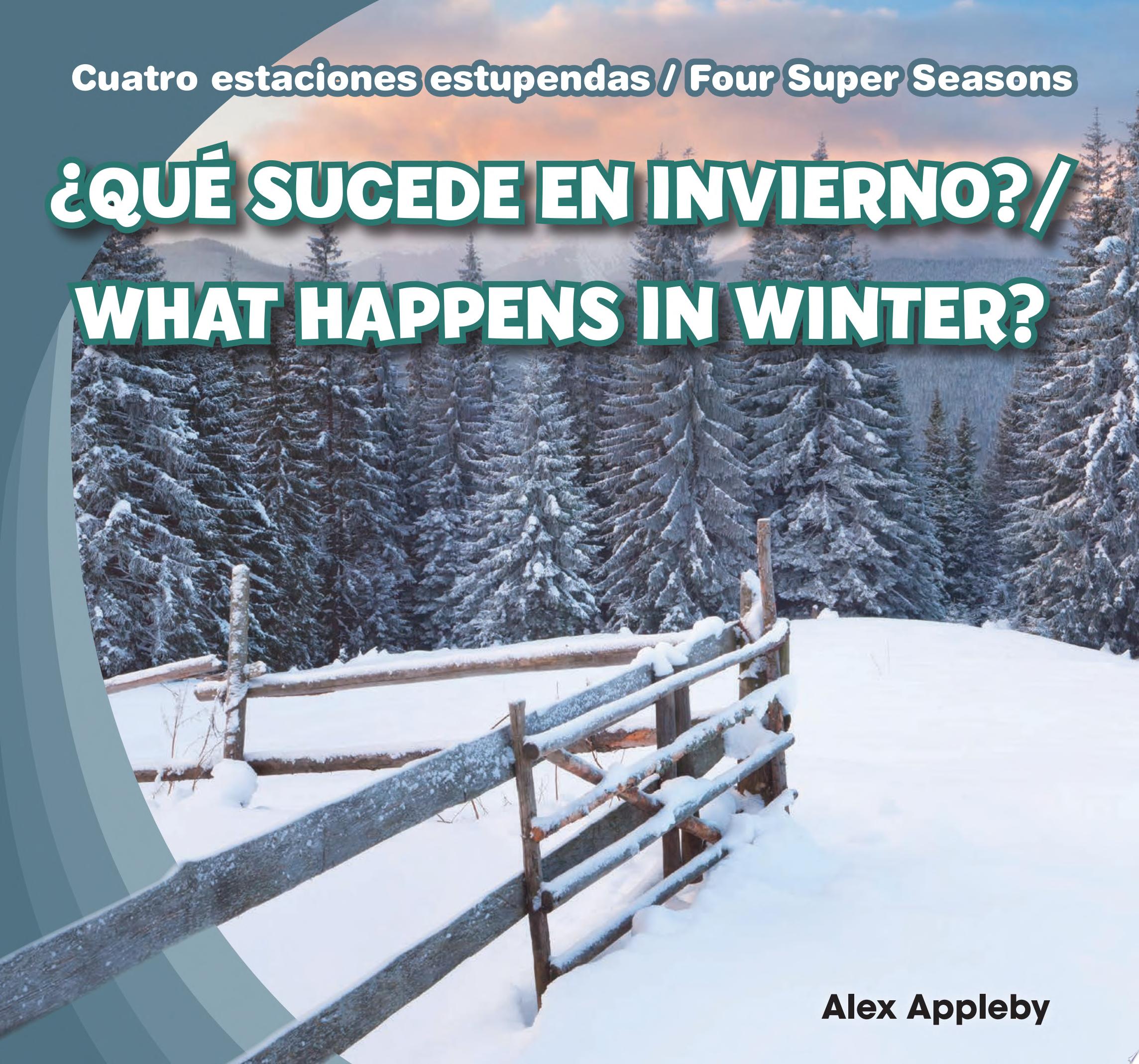
Join the Winter Reading Warmup Challenge!
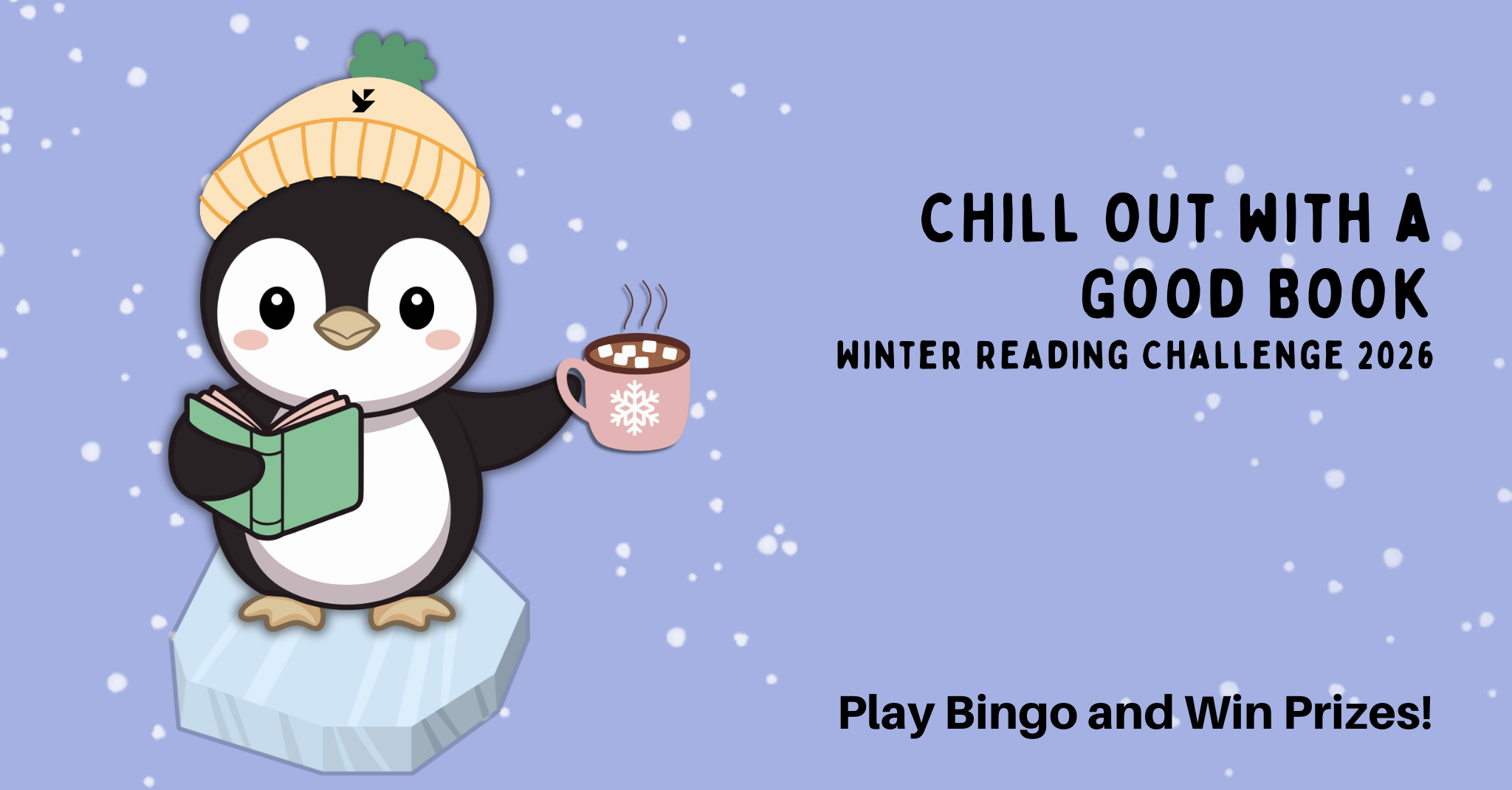
From January 1 to March 15, dive into the joy of reading and win exciting prizes—all while helping us reach our goal of 2,026 books logged!
How to Join:
- Sign Up: Register online using Beanstack or at any Yonkers Public Library location.
- Read & Log: Log your books using Beanstack. Paper logs available at each location.
- Win: Each book you log is a chance to win.
Challenge Highlights:
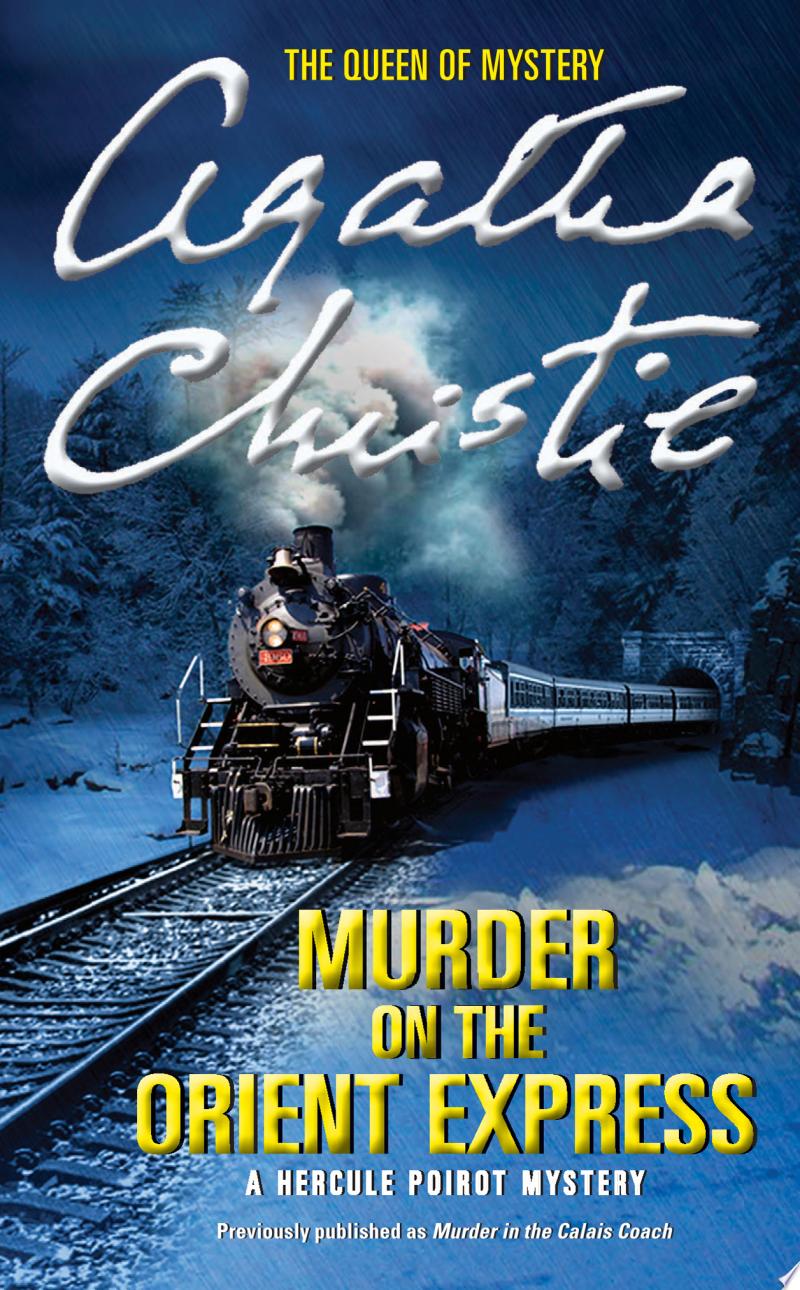
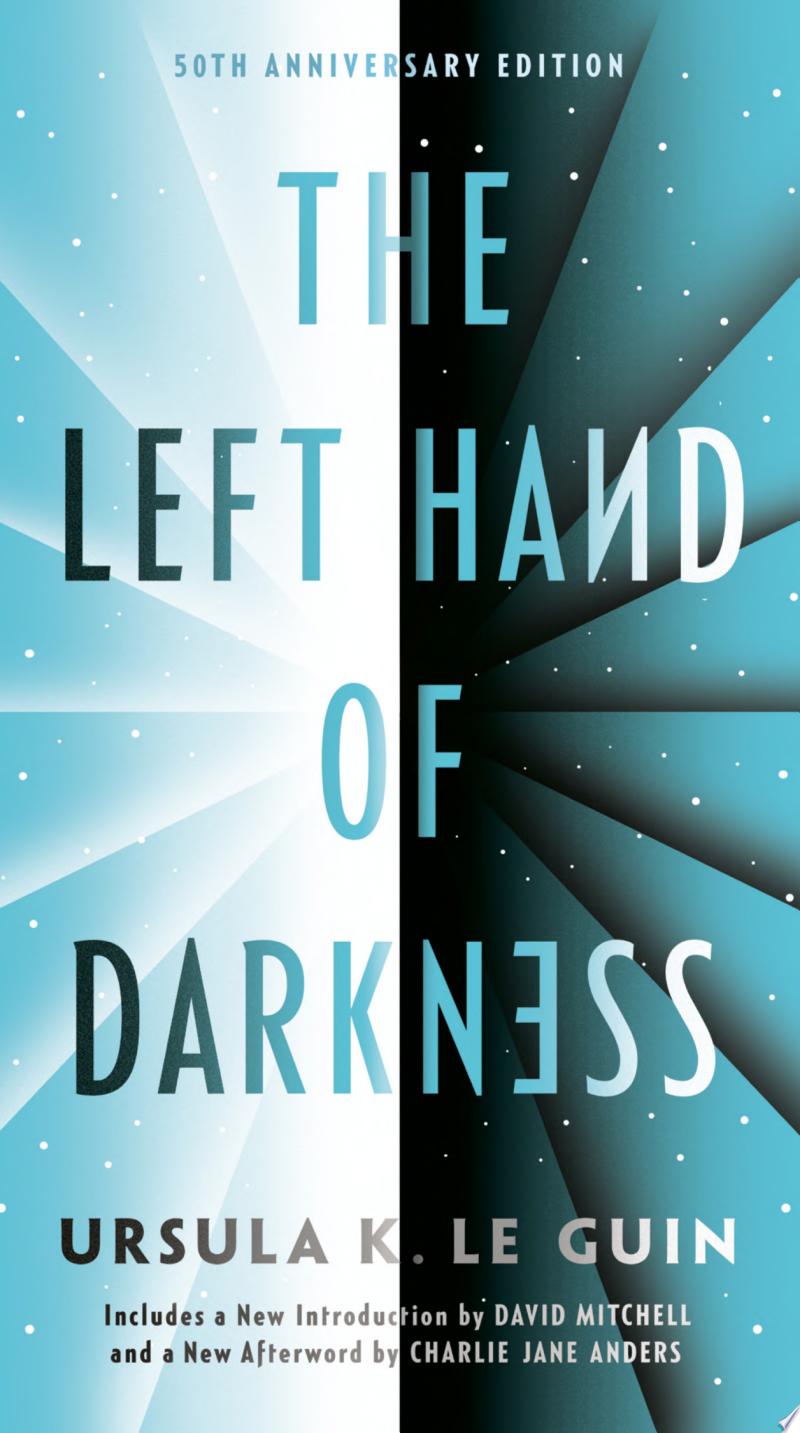
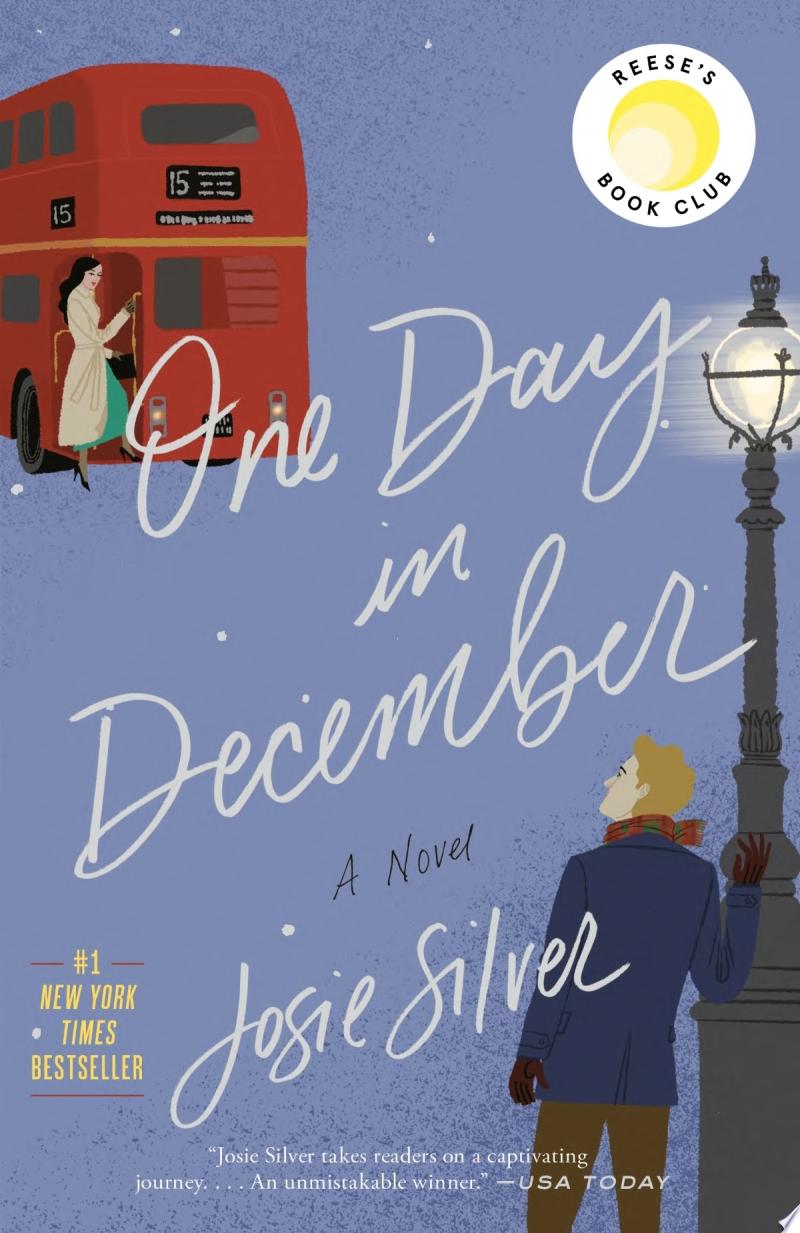
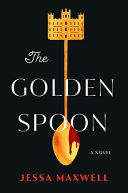
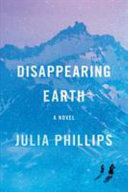
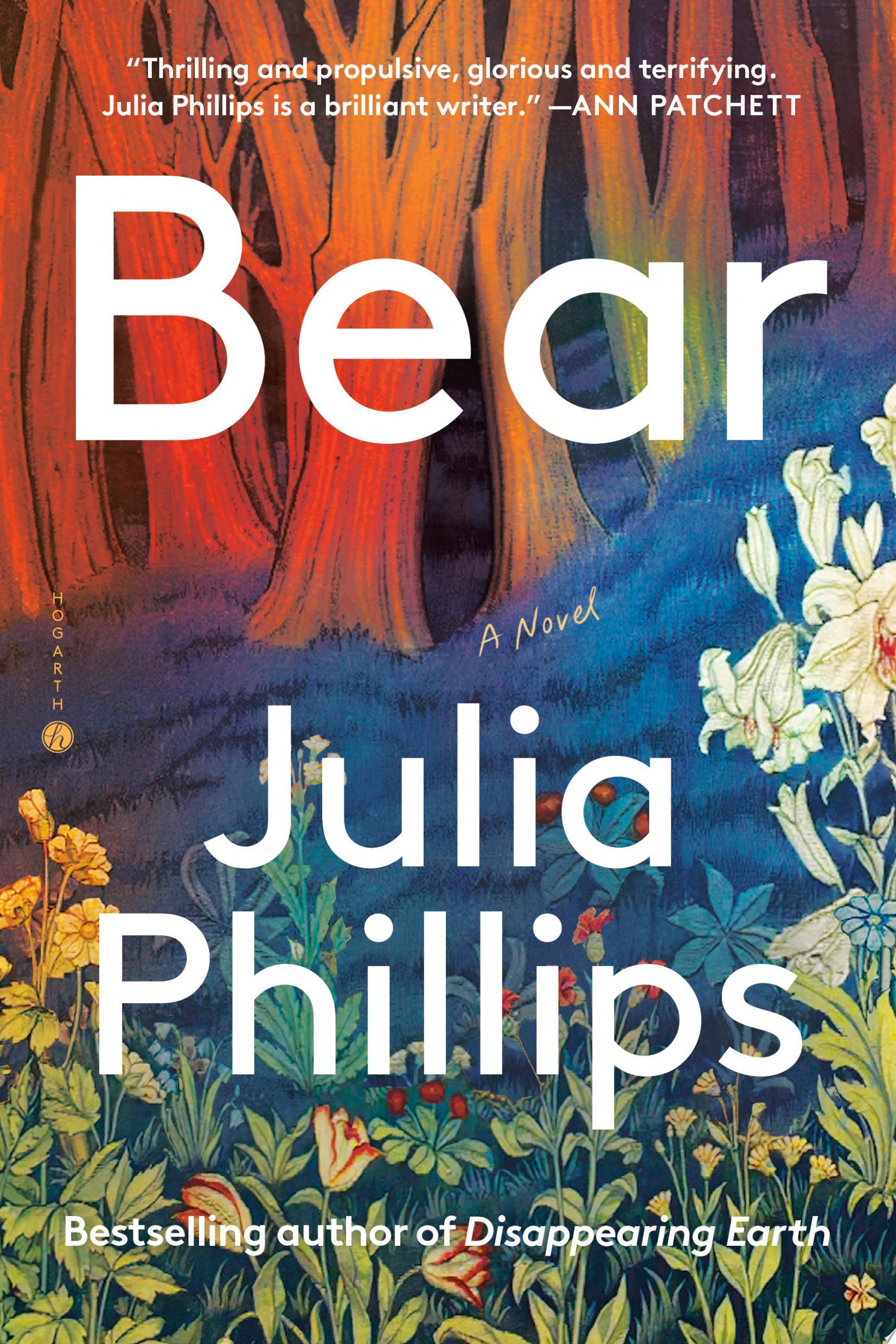
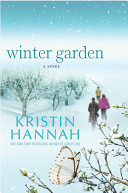
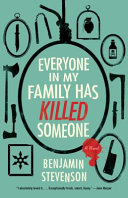
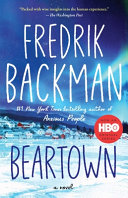
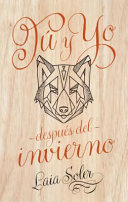
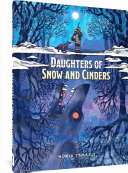
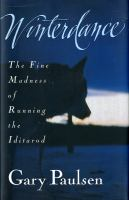
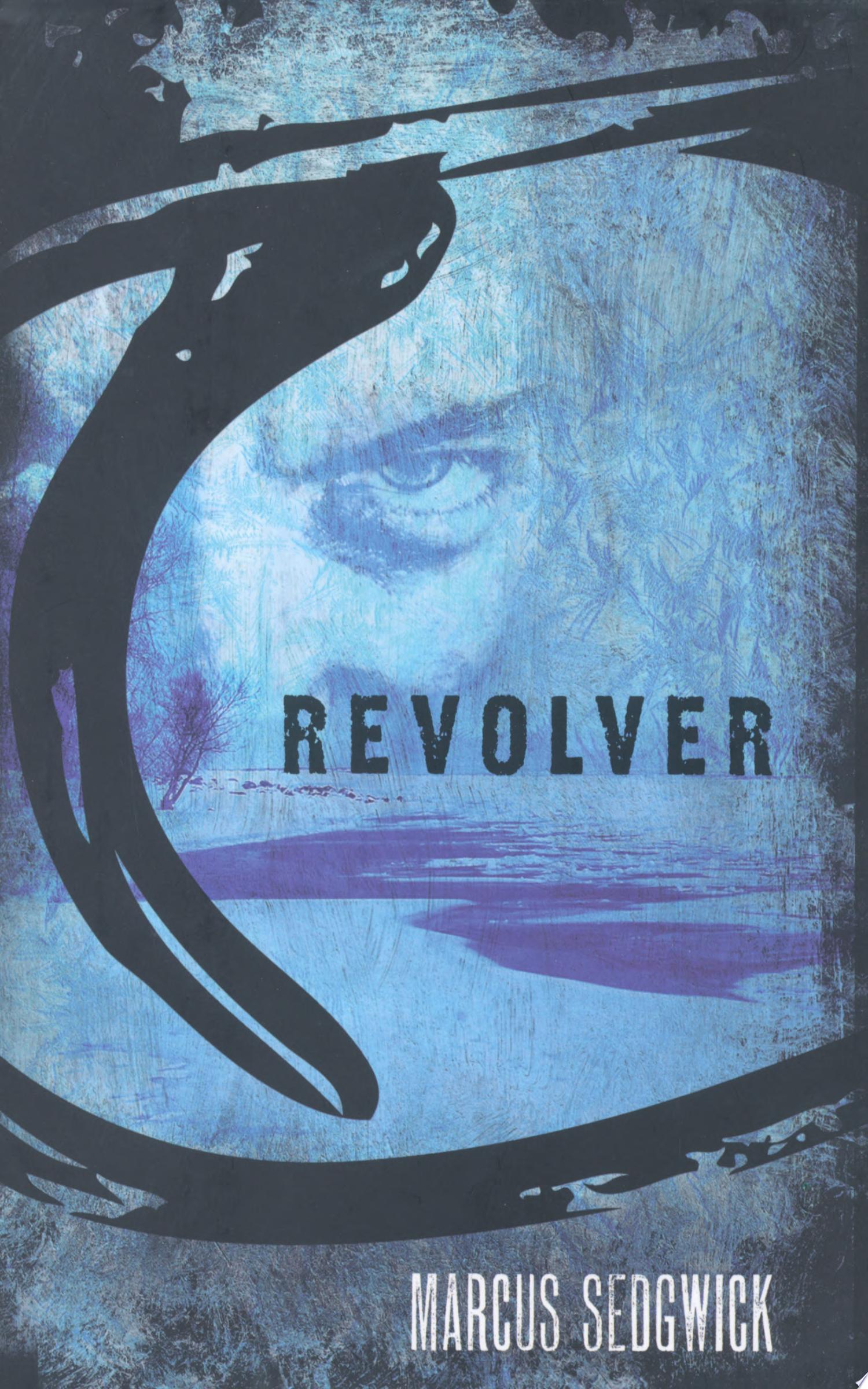
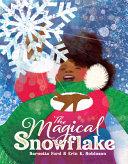
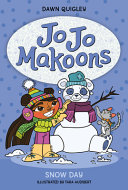
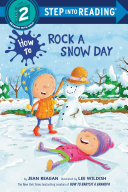
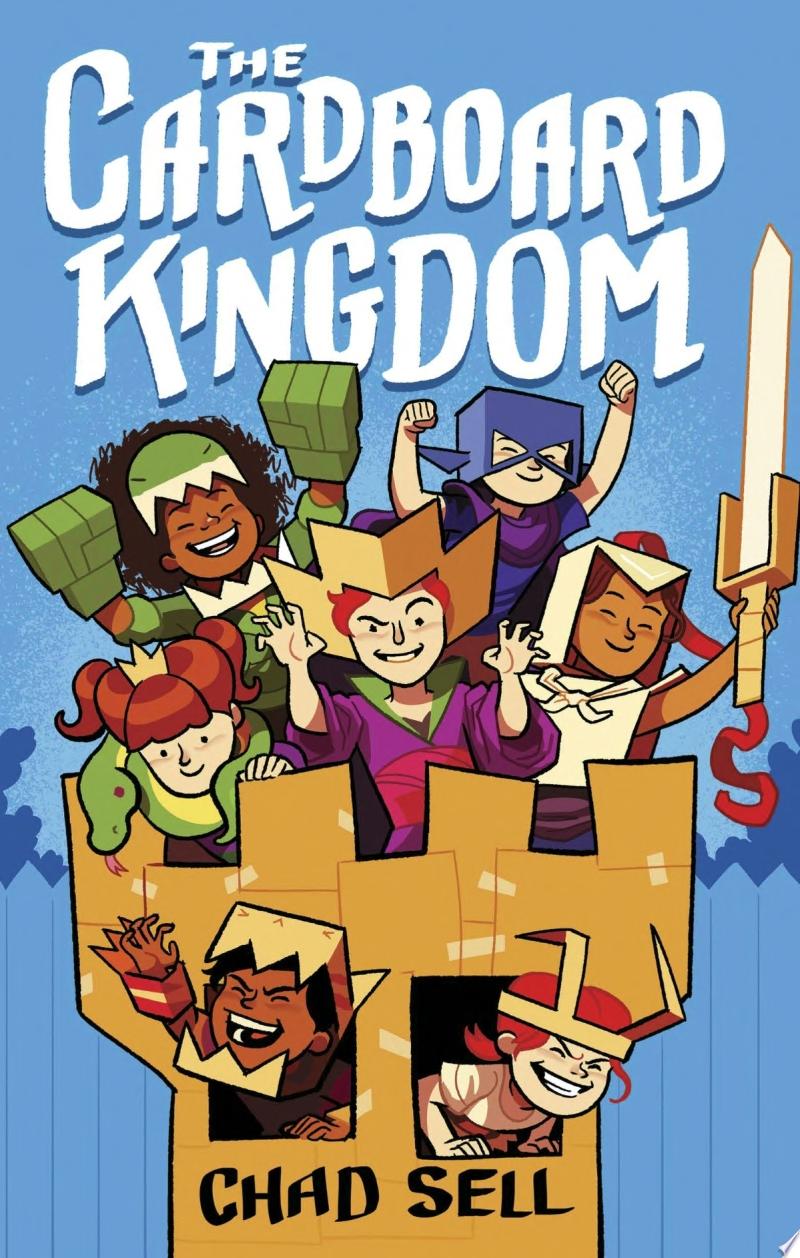
- Explore top book picks to inspire your reading.
- Hear from past participants who loved the challenge.
- Access resources and suggestions on our website.
For every book or audiobook that you log, your name will be entered into a drawing to win a prize. Each library branch will host its own drawing.
Register here or below.
Frequently Asked Questions
How do I sign up for Winter Reading?
Visit any Yonkers Public Library location to sign up in person or sign up online with Beanstack.
Already have an account? Login and join the Winter Reading Warmup Challege.
Download the Beanstack tracker app by visiting the Apple App store or the Google Play store (Android).
Do I have to use the mobile app to register and log books?
No, absolutely not! You can sign up in person at your local branch and bring in the reading log once you're finished with the challenge.
What is an individual account vs. family account mean on Beanstack?
An individual account would be for a reader who is only signing themselves up for the program. If you are signing multiple people in your household up at the same time and would like to manage all of those accounts with one login, then you can create a family account. This is ideal for parents or caregivers who are logging reads for children, though anyone can be a member of your family.
How do I log books?
Online using Beanstack
- First, you must create an account on Beanstack and enroll in the designated challenge for your age/grade level. Once the programs begin, you can start logging.
- You can log your reads (either minutes or books, depending on what challenge you are enrolled in) or your activities. For each book, you will earn a badge. The more you read, the more times your name will be entered into the grand prize drawing!
In-Person
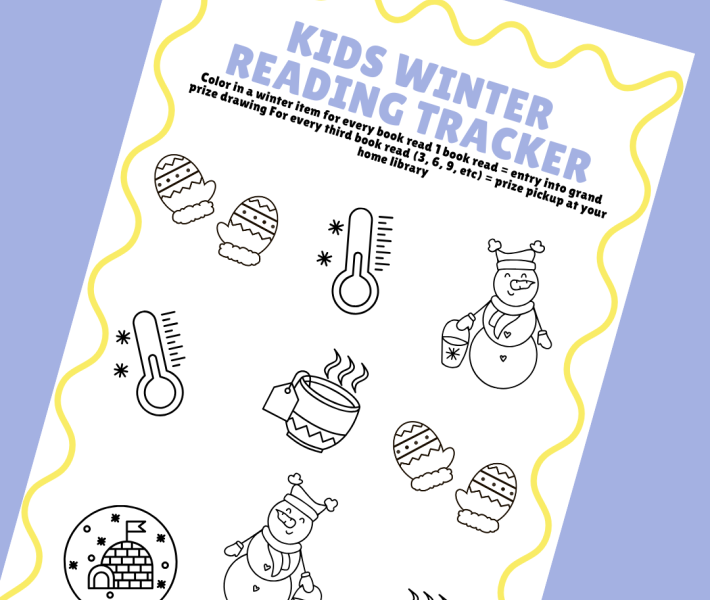
- Fill out your reading log and bring it to a librarian at any Yonkers Public Library location. They will give you a new log to fill out.
I'm an adult, why does it ask my grade?
By default, the system asks for everyone’s grade when they register to determine which challenge you are eligible for. If you are an adult and/or out of school, you can select the “adult” option at registration.
How do I earn badges?
There are 3 types of badges:
- Logging Badges: earn these milestone badges whenever you log your reads.
- Activity Badges: these are optional, fun activities that you can complete to earn extra entries into the grand prize drawings. You get an additional entry into the drawing for each activity badge you earn.
- Review Badges: these are optional badges that you can earn by writing reviews about the books you’ve read. You get an additional entry into the drawing for each review badge you earn.
I'm a teacher. Can I register my class?
Yes!
- On your Beanstack landing page or in the app, select "Register a Class or Group.
- Choose if you want to log reading and activities for this group "All at One Time" or "Individually."**
- Next, enter the basic information for the group (name, age, grade, etc). Keep in mind that the options here will vary depending on your site's optional and required registration question preferences.
- Then, enter the group leader's own information as the account creator to use to log in and access the account.
- Once you click “Register Group,” you'll see any available challenges and then be taken directly to the group reader view.
**All at One Time: Reading and activities are logged for the group all at once, and everyone earns badges and incentives at the same time. Readers must all be the same age. This is the most common and least time-intensive selection.
Individually: Reading and activities are logged for each reader individually, and they'll earn badges and incentives at different times. Individual readers' ages can be edited after the group is created.
When can I start logging books?
Winter Reading Warmup Challenge runs from January 1-March 15, 2024. You can log books during that time period.